When Power Apps stops scaling: the limitations that mean you’ve outgrown low-code
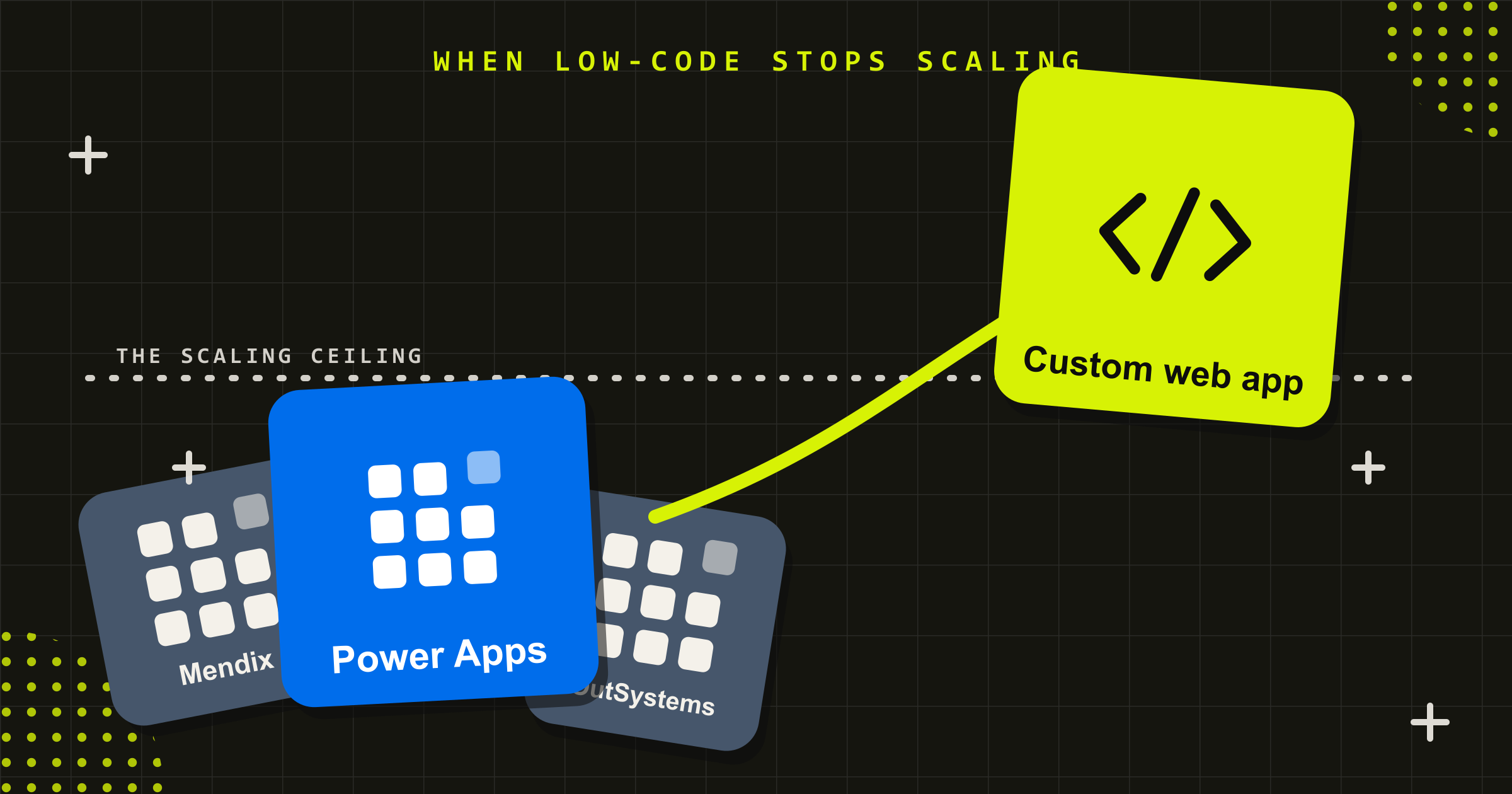
Quick Answer: Power Apps is built for fast internal tools, not high-scale applications. Most teams hit the same five ceilings: query delegation limits on large datasets, a constrained data model, integration and API request caps, premium licensing that climbs with every user, and governance that gets unwieldy as apps multiply. When those limits start shaping what your business can do rather than how one app works, it’s time to rebuild on a custom web application.
Power Apps did exactly what it promised. Someone on your team built a working app in a week, it solved a real problem, and it spread. Then it kept spreading. A tool that started as a clever shortcut now runs a part of the business, more people depend on it every month, and it has started to creak: screens that lag, lists that won’t load past a few hundred rows, a licensing bill that grows with every new user, and a small queue of changes nobody can safely make.
That is not a failure of Power Apps. It is the point most low-code builds reach when they succeed. We have spent over 15 years building custom systems at the scale and complexity low-code can’t reach, including the Cleanaview customer portal for Cleanaway and the Zero Net Carbon modelling tool for Sustainability Victoria. Here is how to tell when you have reached that point, and what moving past it involves.
Low-code is a great start and an expensive finish
It is worth being clear about what Power Apps is good at, because the case for moving off it only makes sense once you respect what it does well. For a form over a SharePoint list, an approval workflow, an internal request tracker, or a quick replacement for a paper process, Power Apps is genuinely hard to beat. A non-developer can ship something useful in days, and for a small internal audience it will run happily for years.
The trouble starts when an app outgrows the assumptions it was built on. The same design choices that made it fast to build, a drag-and-drop canvas, a connector instead of a real data layer, a single maker instead of an engineering team, become the things that hold it back. The platform has not got worse. The job has got bigger. Recognising that inflection point early is the difference between a planned rebuild and an emergency one.
The five Power Apps limitations every scaling build hits
These are the limitations that show up again and again once a low-code app becomes load-bearing. They are not unique to Power Apps: OutSystems, Mendix, Bubble and Retool all share the same shape, because these low-code limitations are inherent to the model, not the brand. None of them is a flaw to be patched. Each is a designed boundary, and together they mark where a custom build starts to pay for itself.
- Delegation limits throttle large datasets. When Power Apps cannot hand a query to the data source to process, it pulls records back and filters them locally, and it only pulls a capped set: 500 records by default, configurable up to 2,000 (see Microsoft’s delegation documentation). Below that threshold everything looks fine. Above it, searches silently miss rows and totals quietly go wrong, which is a hard problem to trust your way out of once data volumes grow.
- The data model boxes you in. Many Power Apps start on SharePoint lists, which carry a 5,000-item list view threshold and were never meant to be a relational database. Moving to Dataverse fixes the data layer but adds premium licensing, and genuinely relational, high-integrity data models with complex validation are still awkward to express in a low-code tool.
- Integrations and API limits cap throughput. Connecting to anything beyond the basics needs premium connectors, and the Power Platform enforces per-user daily API request limits tied to licensing. An app that calls external systems heavily can hit throttling that a purpose-built application with its own integration layer would never run into.
- Licensing cost climbs with every user. The Power Apps that ship with Microsoft 365 only reach the standard connectors. The moment you need premium connectors or Dataverse you move to the Power Apps Premium plan, billed per user, per month. The shape is what matters more than the figure: the cost is recurring and it scales with adoption, so the more successful the app, the more people you add, the faster it compounds, and it never stops. A custom web application carries a larger build cost once, then runs on infrastructure you control.
- Governance and lifecycle get heavy. One maker building one app is simple. Forty apps across departments, each owned by whoever happened to build it, is not. Source control, automated testing, staged release and proper version history are not native to the canvas-maker model, so changes that should be routine start to feel risky. When the person who built the app leaves, that risk has a name.
If two or three of those describe your situation, you are not misusing Power Apps. You have outgrown it.
Five signs you’ve outgrown Power Apps
The limitations above are technical. The signs you notice day to day are simpler, and if you recognise more than a couple, it is worth costing a rebuild:
- The app is slow, or it cannot see all the data. Screens lag, galleries stall, and results stop past a few hundred rows because of delegation.
- You are fighting the data model. You are working around list limits, duplicating data, or wishing you had real relationships and validation.
- The licensing bill climbs every time you add a person. Premium per-user costs scale with adoption, and the success of the app is now a budget line.
- Simple changes feel risky. There is no safe way to test a change, no version to roll back to, and one person holds all the knowledge.
- It is becoming customer-facing or business-critical. It now needs the security, accessibility, uptime and support that an internal tool was never built to carry.
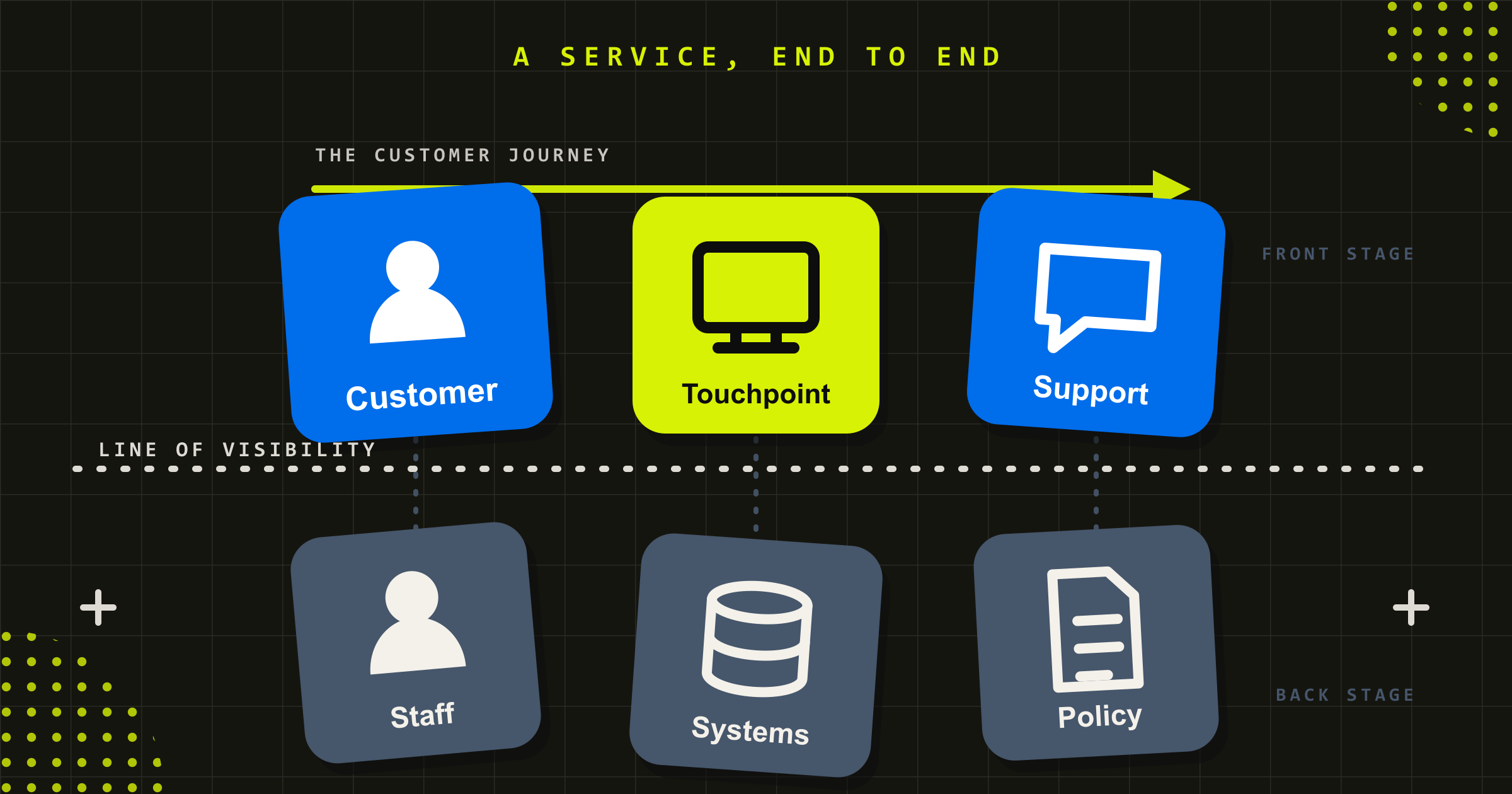
That last one is the sharpest. An internal productivity app and a system your customers or the public depend on are different categories of software, with different obligations. The Cleanaview portal we built for Cleanaway sits squarely in the second category: thousands of customers, real uptime expectations, and accessibility obligations that come as standard with anything public-facing. That is the line a low-code internal tool was never designed to cross.
What migrating off Power Apps involves
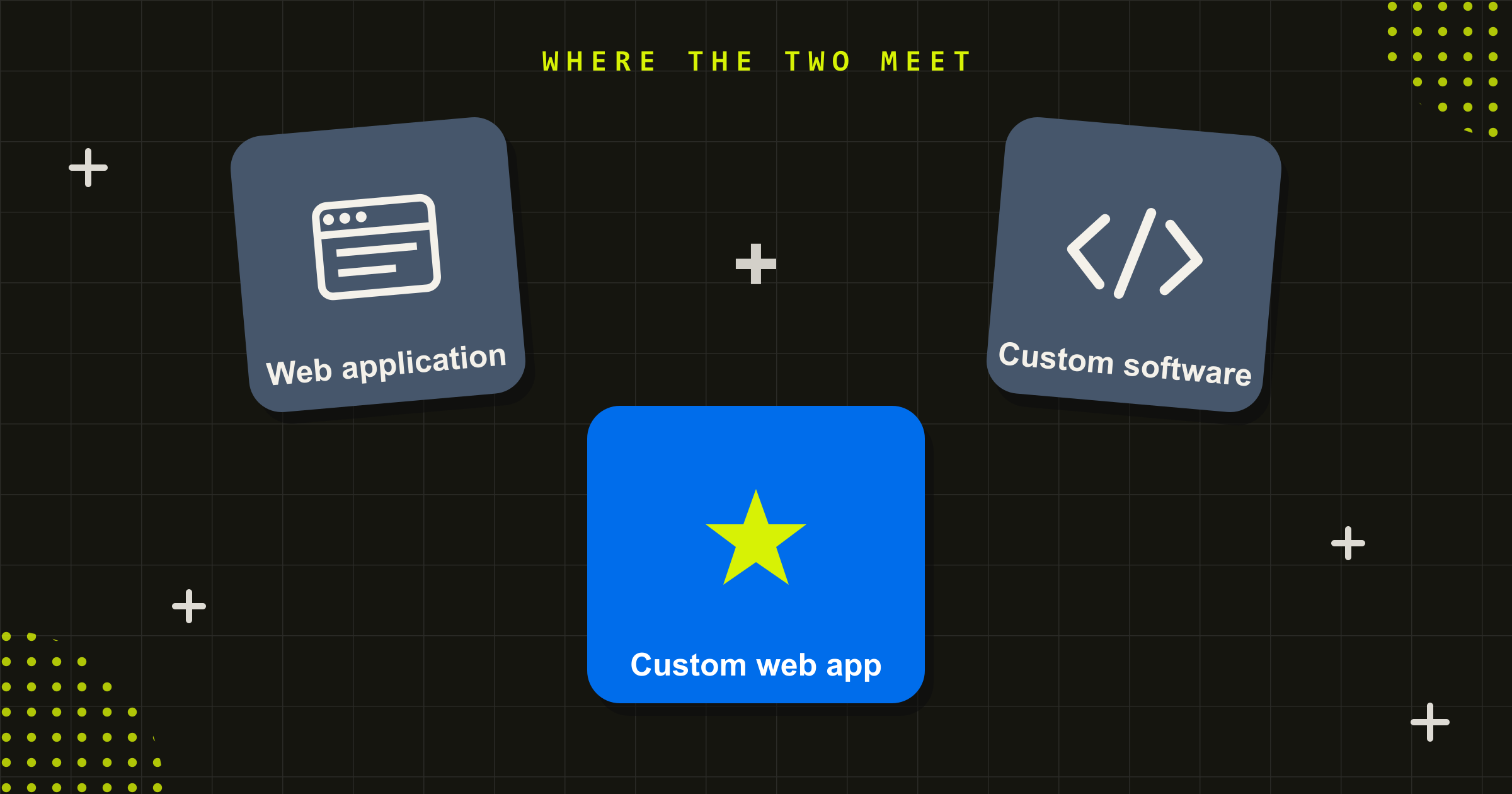
The durable alternative to a Power App you have outgrown is a custom web application built on a proper database and application layer. Another low-code platform tends to relocate the same ceilings rather than remove them, so the move is worth making once and making properly.
The instinct is to treat it as a like-for-like port: rebuild the same screens, point them at a better database, done. That is the wrong model, and it usually recreates the original constraints in a new place.
A rebuild is a chance to fix the data model properly. The logic that lived in scattered formulas and flows gets consolidated into a real application layer you can test. The data moves into a relational structure designed for how the business works, not how a list happened to be set up. Integrations become first-class, with their own error handling rather than a connector’s defaults. None of that is visible on the surface, and all of it is why the rebuilt system holds up where the original started to bend.
It also does not have to be all-or-nothing. A sensible migration keeps the Power App running while the custom application is built and proven, moves users across in stages, and retires the original once the new system has earned the load. The data you have accumulated is an asset to carry over, not throw away.
When to stay on Power Apps, and when to rebuild custom
Moving off low-code is not always the right call, and a good partner will tell you when it is not. The honest decision usually comes down to a handful of questions.
Staying on Power Apps makes sense when the app serves a small internal audience, the data is modest and simple, you are comfortably inside the delegation and licensing limits, and nothing about the app is business-critical. For that brief, a custom rebuild is cost without enough return.
Rebuilding on a custom web application makes sense when any of these are true: the app is customer-facing or public; the data is large, relational or sensitive; performance and reliability matter; the licensing cost at your user count rivals what a custom build would cost once amortised; you have real accessibility, security or compliance obligations; or the system needs to integrate deeply with other platforms. The more boxes you tick, the clearer the case.
This is the same reasoning we walk clients through before recommending anything, because a rebuild you did not need is as much a waste as a low-code tool you have outgrown.
Rebuilding is a design problem before it is an engineering one
The most common mistake in a low-code rebuild is to start with the technology. The app exists, so the assumption is that the requirements are already known and the job is just to re-engineer them on a sturdier stack.
In practice the original app rarely captured the real workflow. It captured what one maker could build quickly, with the compromises that implied. A rebuild is the moment to understand how the work actually happens, where the current tool forces people into awkward steps, and what the system needs to do in three years rather than what it did on day one. That research is what separates a custom application that people prefer from one that just runs faster. It is why our engineering is design-led: the data tool we built for Sustainability Victoria worked because we understood the modelling before we wrote the code, not after.
Talk to us about moving off low-code
Conduct has spent over 15 years, since 2008, building the custom web applications and platforms that organisations move to when a spreadsheet, a database or a low-code build stops keeping up. We are an in-house Australian team of senior engineers and designers, a 7-time Good Design Award winner, and we build for government, health, enterprise and not-for-profit organisations where the system has to perform for real users at scale. If a Power App is starting to shape what your business can do, talk to us about custom software development, and if you want a sense of what a custom build costs in Australia, our software development cost guide lays it out.
Power Apps is a good place to start. It is rarely the right place to finish. The skill is knowing the difference, and acting on it before the shortcut becomes the bottleneck.
Frequently asked questions
What are the limitations of Power Apps?
The main limitations are delegation limits that cap how much data a query can process (500 records by default, up to 2,000), a data model that struggles with large or relational data, per-user daily API request limits, premium licensing that scales with every user, and limited support for source control, testing and staged releases. They are by-design boundaries of the low-code model, not bugs, and they surface once an app becomes business-critical.
Can Power Apps handle large datasets?
Up to a point. Power Apps works well with small to moderate datasets, but delegation limits mean that when a query cannot be processed by the data source, only a capped set of records (500 by default, configurable to 2,000) is returned and filtered locally. Past that, searches and totals can silently miss data. For large or growing datasets, a custom web application with a proper database avoids the ceiling entirely.
What is the best alternative to Power Apps?
It depends on why you are leaving. If you have simply outgrown one app but want to stay low-code, other platforms exist, though they tend to share the same scaling limits. If the app is becoming customer-facing, data-heavy or business-critical, the durable alternative is a custom web application built on a proper database and application layer, which removes the delegation, licensing and governance ceilings rather than relocating them.
How much does Power Apps cost per user?
Power Apps included with Microsoft 365 only covers standard connectors. Using premium connectors or Dataverse moves you to the Power Apps Premium plan, billed per user, per month (Microsoft publishes the current rate). The figure matters less than the shape: it is recurring and scales with adoption, so a successful app costs more every time you add a person, which is what makes a one-off custom build worth comparing against.
Can you convert a Power App into a web application?
Yes, and the better framing is a rebuild rather than a conversion. The data is migrated into a relational database, the logic from formulas and flows is consolidated into a tested application layer, and the screens are rebuilt around the real workflow. It is usually staged: the custom application is built and proven while the Power App keeps running, users move across gradually, and the original is retired once the new system carries the load.
When should you move from low-code to custom development?
Move when the app is customer-facing or business-critical, when the data is large, relational or sensitive, when performance and reliability matter, when licensing at your user count approaches the cost of a custom build, or when you have accessibility, security or compliance obligations an internal tool was not built for. If only one of those is true it may be early. When several stack up, a rebuild usually pays for itself.


Is Power Apps secure enough for customer-facing apps?
Power Apps is built primarily for internal business applications, with security and identity geared to organisational users. Public, customer-facing systems carry different obligations: external authentication, accessibility to WCAG standards, uptime expectations and a support model an internal tool rarely has. Those are achievable in a custom web application designed for the purpose, which is why customer-facing systems are usually the clearest case for moving off low-code.
Simon Krambousanos
More from the Journal