What is a web application? How it differs from a website and custom software
Quick Answer: A web application is custom software you reach through a browser, so the two terms describe the same thing from different angles. “Custom software” names how it’s made (built for you, not bought off a shelf). “Web application” names how it’s delivered (through the browser, to many users, on any device). Most business systems built today are both. The real decision is not web app versus custom software, but whether your need justifies a custom build at all, and what shape it should take.
Two vendors quote the same project. One calls it a web application, the other calls it custom software development, and a third throws in “bespoke platform” for good measure. You are left trying to work out whether they are offering different things or the same thing in different words, and whether the prices in front of you are even comparable.
They are usually the same thing. The labels come from which part of the work each vendor wants you to focus on, not from a genuine difference in what gets built. That matters, because a decision dressed up as a technical choice (“web app or custom software?”) is really a business one (“is our need specific enough to build for, and how should it reach the people who use it?”). We have spent over 15 years on the answering side of that question, including the Cleanaview customer portal for Cleanaway and the research equipment search engine for Monash University. Here is how the terms actually relate, and the decision underneath them.
What a web application actually is
A web application is software you use through a web browser rather than by installing a program on your computer. You log in at a URL, and the application runs partly in the browser and partly on a server. Gmail, Xero, Canva and your bank’s online portal are all web applications. So is the booking system your local clinic uses behind the scenes.
It helps to separate a web application from two things it gets confused with:
- A website presents information; you mostly read it. A web application does work; you log in, enter data, and it responds. The line blurs, but the test is whether you are reading or doing.
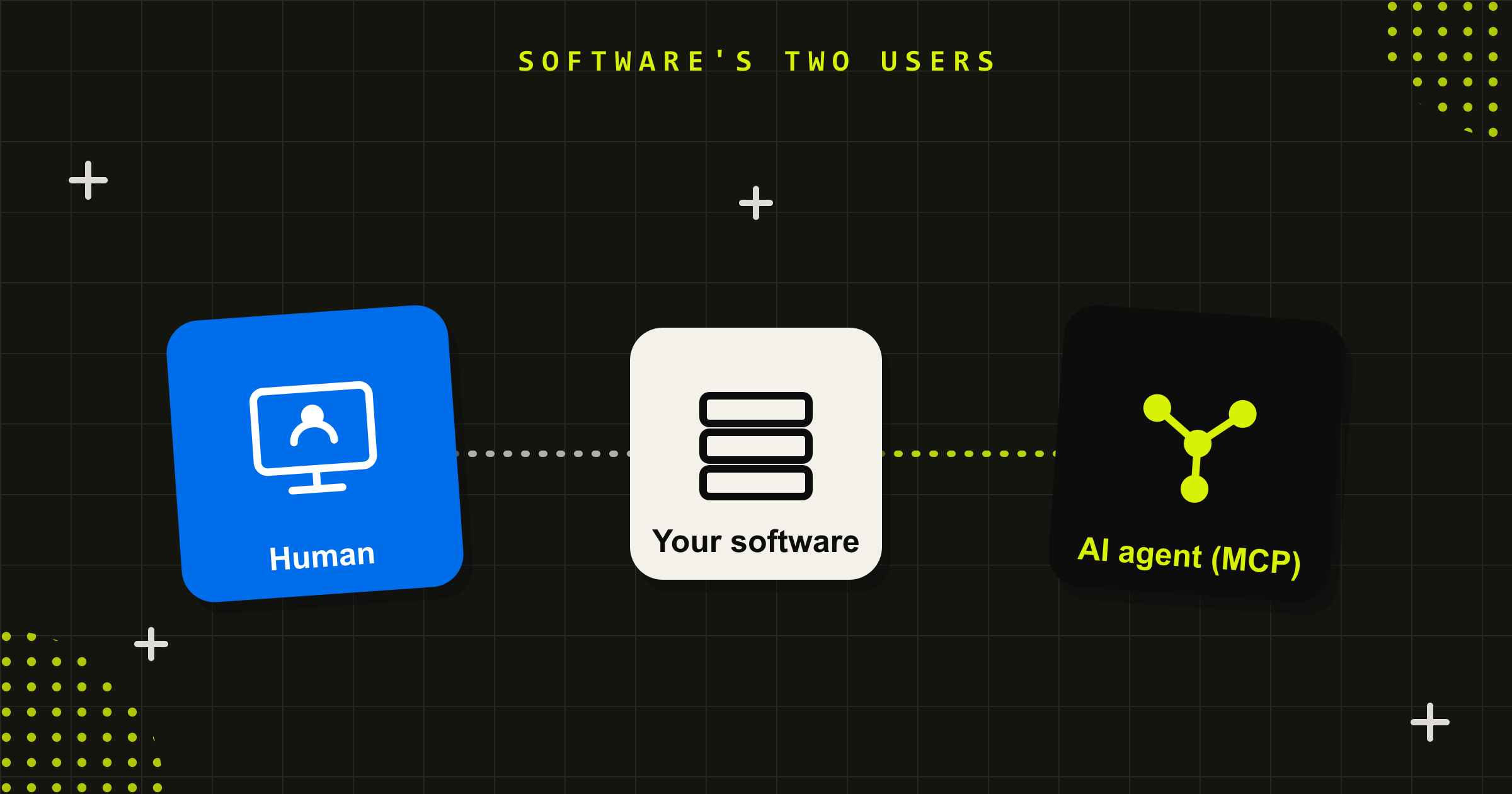
- A desktop or mobile app is installed on a device. A web application needs only a browser, so it reaches any device with a login and updates for everyone the moment you ship a change.
That delivery model is the whole appeal. One system, reachable from any office, home or device, with no install, one place to secure, and one place to update. It is why most business software built in the last decade is a web application, whether the vendor called it that or not.
Web application vs custom software: the words overlap, the decision doesn’t
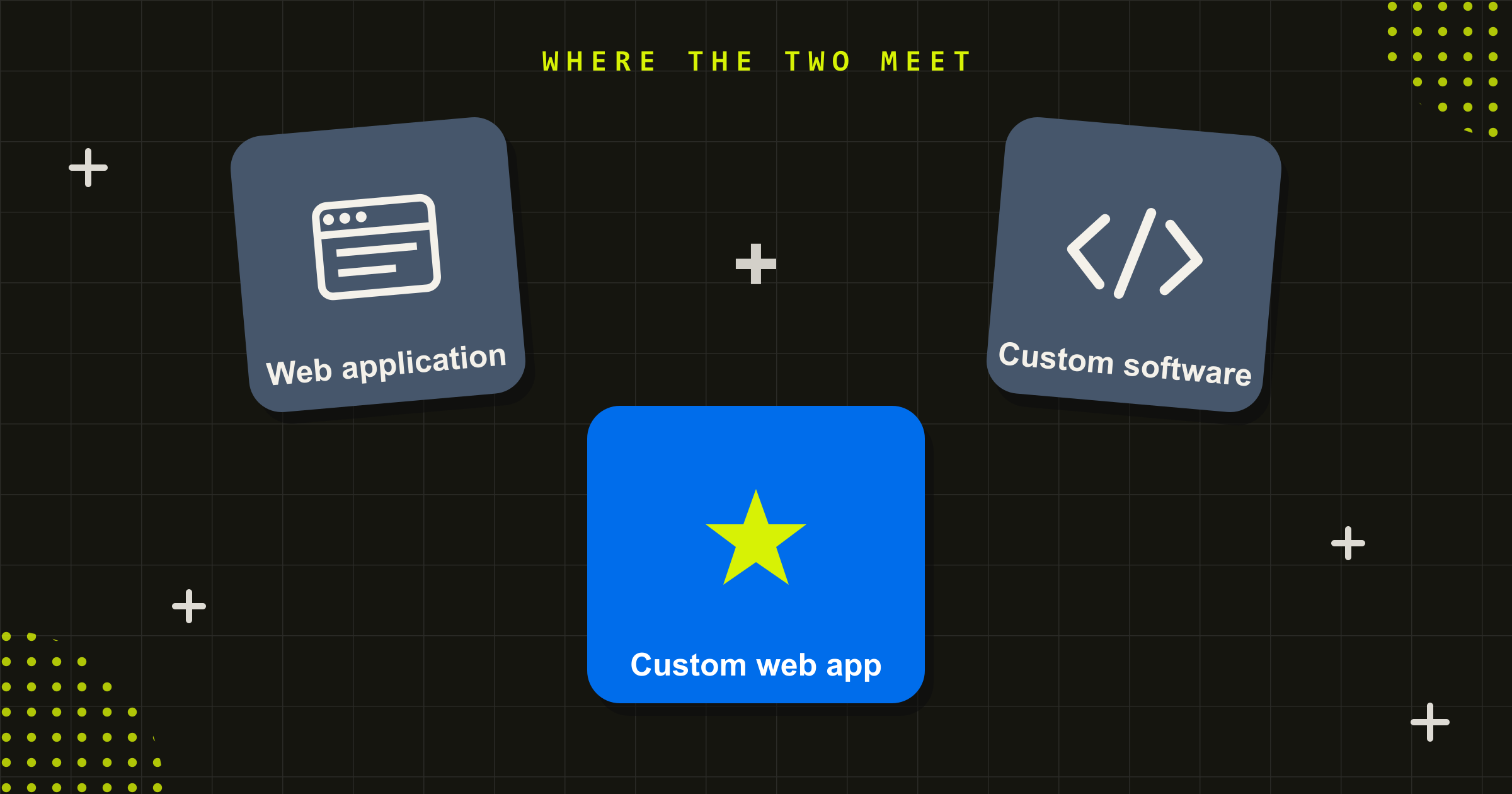
Here is the part the labels obscure. “Custom software” describes a spectrum of how software is made, from a finished product you buy off the shelf, through a configurable platform, to something built from scratch around your workflow. “Web application” describes how software is delivered, through the browser. They are different axes, not opposites.
So a custom web application sits where the two meet: software built specifically for you, delivered through the browser. That is what most organisations actually mean when they say either phrase. The cases where they come apart are the useful ones to notice:
- Custom, but not a web application. A data pipeline, an integration service between two systems, or an API with no screens at all is custom software with no user interface to speak of. There is nothing to deliver through a browser.
- A web application, but not custom. Xero and Salesforce are web applications you do not own or shape beyond their settings. They are off-the-shelf products that happen to live in a browser.
Once you see the two axes, the vendor labels stop being confusing. The question is never “web app or custom software”. It is “do we buy or build”, and if you build, “what shape does it take and how does it reach people”. For most business systems that answer is a custom web application, because the browser is simply the right way to reach a team or a customer base.
When a web application is the right call
A custom web application is the right shape when more than one of these is true:
- Several people use it at once, from different places. A browser-based system reaches everyone without installs or version mismatches, which is exactly where a shared spreadsheet or a Microsoft Access database starts to fail.
- It needs to be reachable anywhere. Staff across offices, field teams on tablets, or customers on their own devices all get the same system through a login.
- It carries real data and logic. Relationships between records, validation, permissions and an audit trail are what a proper application layer and database give you, and what a list-based tool cannot.
- It is becoming customer-facing or business-critical. Public systems carry obligations, security, accessibility, uptime, support, that an internal tool was never built for.
Customer portals, booking and scheduling systems, member and case management, internal operations tools, dashboards and modelling tools are all common web applications. The Zero Net Carbon modelling tool we built for Sustainability Victoria and the Canopy resource management portal for ETS are both custom web applications in this sense: specific workflows, real data, reached through the browser by the people who need them.
When custom software is not a web application
Being honest about the boundary is part of getting the decision right. Some custom software is not a web application, and pretending otherwise leads to the wrong build.
A native mobile app makes sense when you need offline use, the device camera or sensors, or app-store presence (though a web application often covers more than people assume). A pure integration layer, a data warehouse, or a back-end service that other systems talk to has no user interface and is custom software without being a web application at all. And some specialised desktop software still has a genuine reason to run on the machine rather than the browser.
The point is not that one delivery model wins. It is that the delivery model should follow the job. A good build partner works out what the system has to do and who has to reach it before deciding the shape, rather than starting from the shape and bending the job to fit.
Design-led engineering builds the right thing, not just a working thing
Most teams that can build a web application can make one that works. The harder problem, and the one that decides whether people actually use it, is building the right thing. That is the difference between a pure development shop and a design-led one.
A pure dev shop takes your specification and builds it. If the specification captured the real workflow, you get a good result. If it did not, and it usually does not, you get a faithful build of the wrong thing. A design-led team does the work before the code: understanding how the job is actually done, where the current tool forces people into awkward steps, who the users are and what they need, and what the system has to do in three years rather than only on day one. The engineering is then in service of a decision that has already been made well.
For systems real people depend on, that research is not a nicety. It is what separates a custom application people prefer from one they tolerate or quietly work around, the same fate that befalls software bought without enough thought. It is why we describe our engineering as design-led, and why our software work sits alongside our design practice rather than in a separate silo.
How to brief a web application or custom software build
You do not need a technical specification to start a good conversation with a build partner. You need clarity on the business problem. This is the brief we find leads to the right decision, web application or otherwise.
- Describe the job, not the solution. What work does this system do, for whom, and what happens today without it? Resist leading with “we need a web app”.
- Name who uses it and from where. Internal team, field staff, customers, the public. This shapes the delivery model more than any technical preference.
- Be honest about the data. Roughly how much, how connected, how sensitive, and what it has to talk to. Data complexity is the single biggest driver of whether you should build.
- State the obligations. Accessibility, security, privacy, data residency and uptime expectations, especially for anything public-facing.
- Set the constraints. Budget range, timeline, and any platforms you are committed to. A good partner will tell you if buying off the shelf is the better call.
- Say what success looks like in a year. Not features, outcomes. This keeps the build pointed at the result rather than a wish list.
Bring those six and the question of “web application versus custom software” tends to answer itself, because the shape falls out of the job.
Talk to us about your web application or custom software build
Conduct has spent over 15 years, since 2008, building custom web applications and software for organisations that need more than a product off the shelf. We are an in-house Australian team of senior engineers and designers, a 7-time Good Design Award winner, working across government, health, enterprise and not-for-profit organisations where the system has to perform for real users at scale. Because our engineering is design-led, we work out what to build before we build it, and we will tell you when buying is the smarter move. If you are weighing a custom software or web application build, talk to us, and our software development cost guide sets out what one costs in Australia.
The labels will keep shifting. The decision underneath them does not: build when your need is specific enough to justify it, deliver it the way the people who use it can actually reach it, and design it before you engineer it.
Frequently asked questions
What is the difference between a web application and custom software?
There is no real opposition between them. “Custom software” describes how it is made, built for you rather than bought off the shelf. “Web application” describes how it is delivered, through a browser rather than installed on a device. Most modern business systems are both: custom web applications. The terms describe the same kind of project from two different angles, which is why vendor quotes can use either word for the same work.
Is a web application the same as a website?
No, though the line blurs. A website mainly presents information you read, like a brochure or a blog. A web application does work: you log in, enter or change data, and it responds, like an online banking portal, a booking system or a dashboard. The simplest test is whether you are mostly reading (website) or doing (web application). Both run in a browser, which is why they are easily confused.
What are examples of web applications?
Familiar consumer ones include Gmail, Xero, Canva and online banking. In business, common custom web applications are customer portals, booking and scheduling systems, member or case management systems, internal operations tools, dashboards and modelling tools. They share a pattern: people log in through a browser, do real work involving data and logic, and the system runs partly in the browser and partly on a server.
Should I build a web application or buy off-the-shelf software?
Buy off-the-shelf for common needs like accounting, email or CRM, where a proven product is cheaper, faster and lower-risk. Build a custom web application when your workflow is specific or strategic, your data and integrations are complex, or no product fits how you work. The decision is the same build-versus-buy question that applies to all software; the web application is simply the usual delivery model once you decide to build.
How much does a custom web application cost in Australia?
It depends on the complexity of the workflow, the data and the integrations, so any figure without those details is a guess. As a guide, a focused single-purpose web application is a smaller project than a multi-user platform with complex data and many integrations. Our software development cost guide breaks down what drives the cost and the ranges to expect for an Australian build.


Can a web application replace a Microsoft Access database or a spreadsheet?
Yes, and that is one of the most common reasons organisations commission one. A shared spreadsheet or an Access database that has become multi-user and business-critical hits ceilings on concurrency, data size and web access. A custom web application moves the data into a proper database and makes it reachable by many people through a browser. We cover the move for Power Apps builds that have stopped scaling, and the same path applies when a Microsoft Access database outgrows what it can safely do.
Charlie Pohl
More from the Journal