UX vs UI design: what each one does, and what you’re paying for
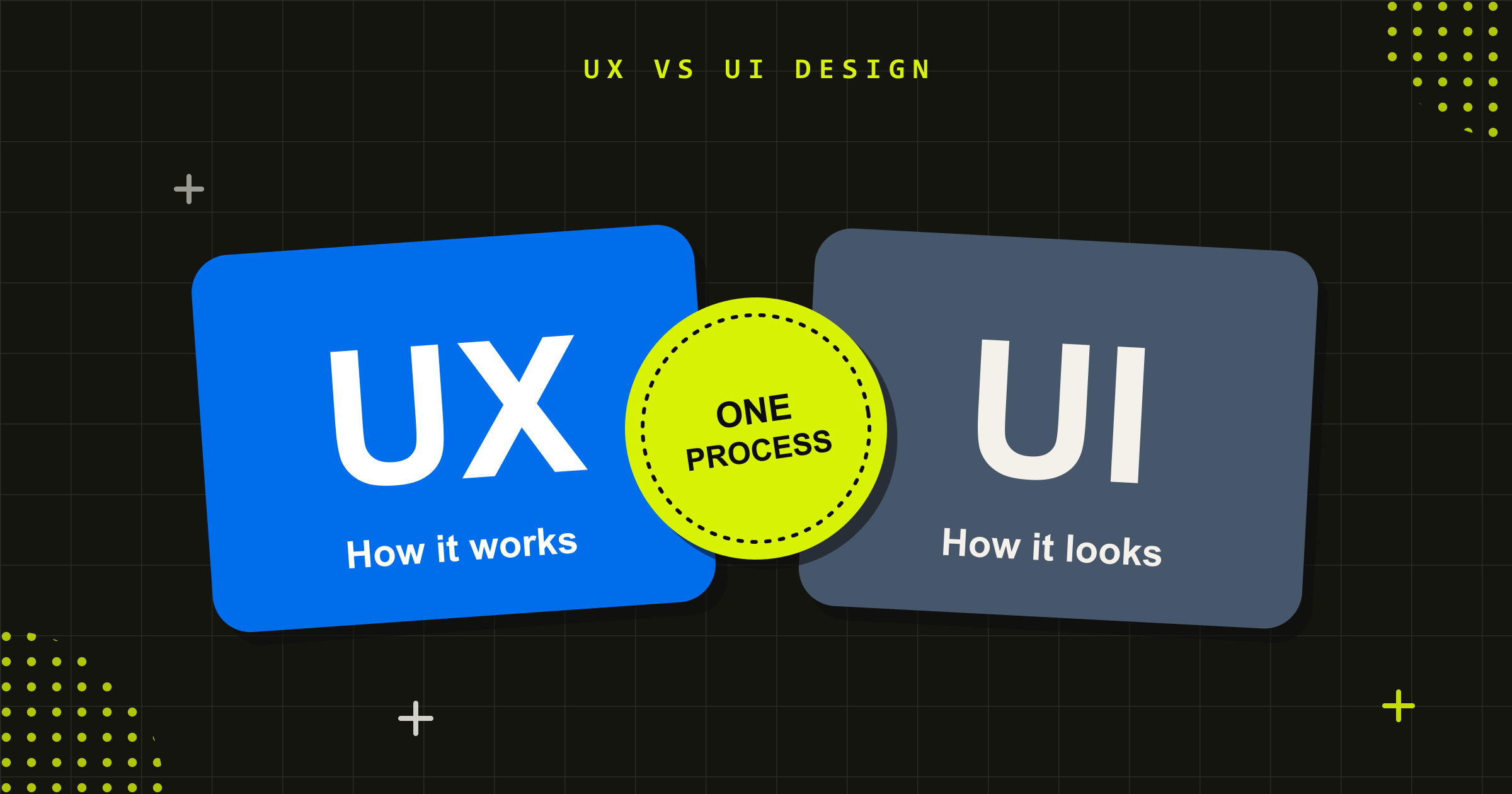
Quick answer: UX (user experience) design decides how a product works for the people using it: the tasks, the steps, the structure and the content, based on research with real users. UI (user interface) design decides how it looks and responds on screen: layout, type, colour, components and interaction. UX works out what the product should do; UI makes that clear and usable. You need both, and they work best as one process rather than a handover.
“UX/UI” has become one word. Job ads ask for a UX/UI designer, agencies sell UX/UI design, and briefs ask for it as a single line item. That makes it easy to commission design without being sure which half you’re buying, and to find out at launch that you have attractive screens over a process people still can’t complete.
The two disciplines overlap, but they answer different questions and produce different things. This guide explains what UX and UI design each cover, how they work together, and what to ask before you hire for them.
What UX design is: how the product works for the people using it
Don Norman and Jakob Nielsen of the Nielsen Norman Group define user experience as “all aspects of the end-user’s interaction with the company, its services, and its products.” That is deliberately broader than a screen. Their example: a movie review site can have a flawless interface for finding films, but if its database only covers the major studios, the experience is still poor for someone looking for an independent release.
UX design is the work of getting those underlying decisions right. It usually covers:
- Research with real users: interviews, observation and analytics to understand what people are trying to do and where they get stuck.
- Mapping the end-to-end experience: customer journey maps that show every step, channel and pain point, not just the screens.
- Information architecture: how content and features are organised and labelled so people can find them.
- Wireframes and prototypes: low-detail layouts and clickable models of the key tasks.
- Usability testing: putting those prototypes in front of real users and fixing what trips them up, before development starts.
User interviews are often where UX work begins. A good interview asks people about specific things they have done (the last time they paid an invoice, booked an appointment or reported a fault) rather than what they think they would do. Past behaviour is a more reliable guide than predictions.
What UI design is: how the product looks, feels and responds
UI design turns those decisions into an interface people can see and use. It covers:
- Visual design: layout, typography, colour and imagery that make the product clear and recognisably yours.
- Components and design systems: a consistent set of buttons, form fields, cards and navigation that every screen is built from.
- Interaction design: how elements respond to a tap, a hover, an error or a loading state, so people always know what is happening.
- Responsive design: how each screen adapts from a large monitor to a phone.
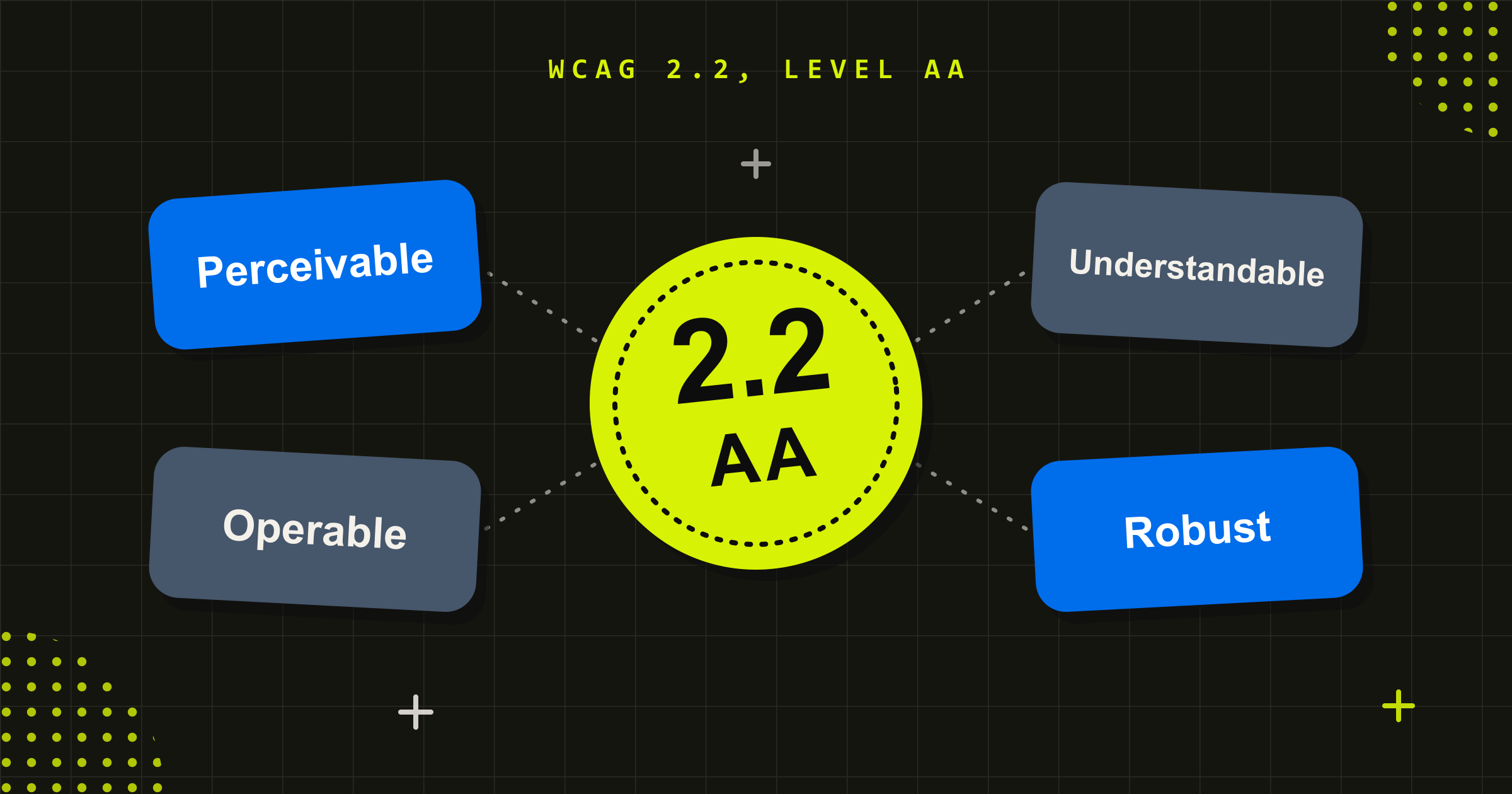
- Accessibility at the interface: colour contrast, visible focus, readable text and target sizes. Our WCAG 2.2 guide covers the standard these should meet.
Good UI design does practical work. A clear visual hierarchy tells people what to do next, and a well-built design system means a team can add features later without the product becoming inconsistent.
UX vs UI: the differences that matter when you are buying
When you are deciding what to commission, these are the differences worth keeping in mind:
- The question each one answers. UX asks “what should this do, and for whom?” UI asks “how should it look and behave on screen?”
- Where the work happens. UX work happens with users, stakeholders and data, often before anything looks finished. UI work happens in the design tools and the design system.
- What you get. UX delivers research findings, journey maps, site structures and tested prototypes. UI delivers visual designs, a component library and specifications developers can build from.
- How you judge it. UX is judged by whether people can complete their tasks: completion rates, time on task, errors and support calls. UI is judged by clarity, consistency, accessibility and how well it carries your brand.
- What goes wrong without it. Skip UX and you get a polished product that solves the wrong problem. Skip UI and you get the right product that feels confusing or untrustworthy to use.
Why UX and UI design work best as one process
A common failure point is the handover: a UX team produces wireframes, a separate UI team styles them, and the decisions behind each layout get lost in between. Treating them as one continuous process, with the same people carrying the research through to the final interface, avoids that gap.
The Okee app for the Royal Children’s Hospital shows the two working together. The project began with a discovery phase that included observing medical imaging procedures and interviewing key staff, to understand what triggers anxiety in young patients. The interface became a game that walks children through the procedure they are about to have, and its concepts were tested and refined with real users throughout. When the hospital measured the results, it found a 45 per cent reduction in anxiety when patients were asked to lie down for imaging, a 40 per cent decrease in compliance difficulties, and an average of six minutes less preparation time per patient.
The same balance applies in commercial products. For Assurant, we redesigned the customer-facing trade-in experience for JB Hi-Fi, The Good Guys and Harvey Norman. Each version had to carry its retailer’s own brand identity, which is UI work, while improving usability across the trade-in process, which is UX work.
There is a commercial case for getting this right. McKinsey’s 2018 study of 300 listed companies found that those in the top quartile of its design index grew revenue 32 percentage points faster, and shareholder returns 56 percentage points faster, than their industry peers over five years. That is a correlation rather than proof of cause, but it is consistent with what good design is meant to do.
What you’re paying for when you hire for UX and UI design
Design proposals can look similar on paper and deliver very different things. These six questions separate them:
- Will you research with our real users? Ask who they will speak to, how many people, and how they will recruit them. Design based only on stakeholder opinion is guesswork.
- Will you test before we build? A prototype tested with real users costs much less to change than finished software.
- Who does what? Some projects suit one experienced designer who covers both UX and UI. Larger products usually need a researcher and separate UX and UI designers working as a team. Ask which you are getting.
- Is accessibility included? It should be designed in from the first wireframe, not audited at the end.
- How does design hand over to development? Look for a design system and component specifications as well as the screens.
- How will we know it worked? Agree the measures before you start: task completion, conversion, support calls or satisfaction.
If the answers are vague, ask to see the research and test findings from a past project, not just its screens.
Where AI fits in UX and UI design
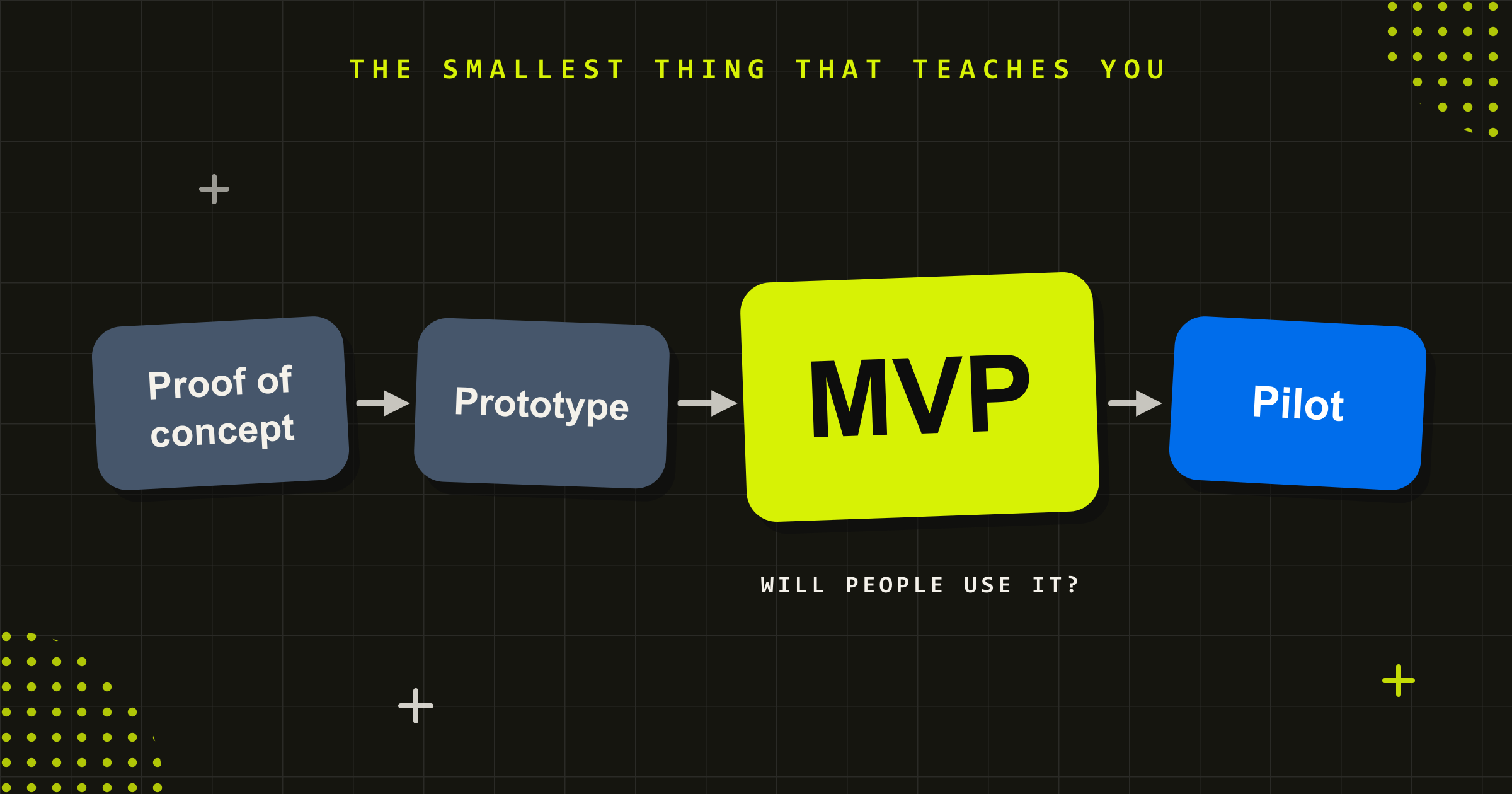
AI tools now help with parts of both disciplines: generating layout variations, producing first-draft prototypes, and summarising hours of interview notes. That speeds up execution. What it doesn’t replace is research with real users, or the judgement that comes from years of product design experience. Knowing which problem to solve and what to leave out still comes from people. Our guide to the minimum viable product covers how that plays out when you are testing a new idea.
Since 2008, Conduct has designed digital products for government, health and enterprise organisations, and we are a seven-time Good Design Award winner. Our UX and UI design work runs research, experience design and interface design as one process, backed by user testing and research with the people who will use what we build. If you are planning a new product or redesigning one that isn’t working, talk to us.
UX decides what the product should do. UI decides how it feels to use. Buy one without the other, and you pay for the gap.
Frequently asked questions
What is the difference between UX and UI design?
UX (user experience) design decides how a product works for the people using it: which tasks it supports, the steps involved and how content is organised, based on research. UI (user interface) design decides how it looks and responds: layout, typography, colour, components and interaction. UX works out what the product should do; UI makes it clear and usable on screen.
Is UX or UI more important?
Neither works without the other. Strong UX with weak UI gives you the right product that feels confusing or untrustworthy. Strong UI with weak UX gives you a polished product that solves the wrong problem. If budget forces a choice, invest in the research and testing that sit at the heart of UX first, because fixing the wrong product later costs far more.
What does a UX/UI designer do?
A UX/UI designer covers both halves: understanding users through research, structuring the product, prototyping and testing it, then designing the visual interface and components. On smaller projects one experienced designer can do both well. On larger products the work is usually split across researchers, UX designers and UI designers who work closely together.
Do I need both UX and UI design?
For any product people need to use to get something done, yes. UX makes sure it does the right job in the right way, and UI makes that job clear, accessible and consistent with your brand. Commissioning only one usually leaves a gap the other would have caught, and that gap tends to show up after launch.
What is a user interview?
A user interview is a one-to-one conversation with someone who uses, or might use, your product or service. The aim is to understand what they are trying to do and where they struggle. The most useful interviews ask about specific recent experiences rather than hypothetical preferences, because what people did is a better guide than what they think they would do.


What should I get from a UX and UI design project?
Expect research findings from real users, a map of the end-to-end experience, a site or product structure, prototypes that have been tested with users, and final interface designs built from a reusable component library. Accessibility should be built in throughout. If a proposal only lists screens, ask where the research and testing fit.
Simon Krambousanos
More from the Journal