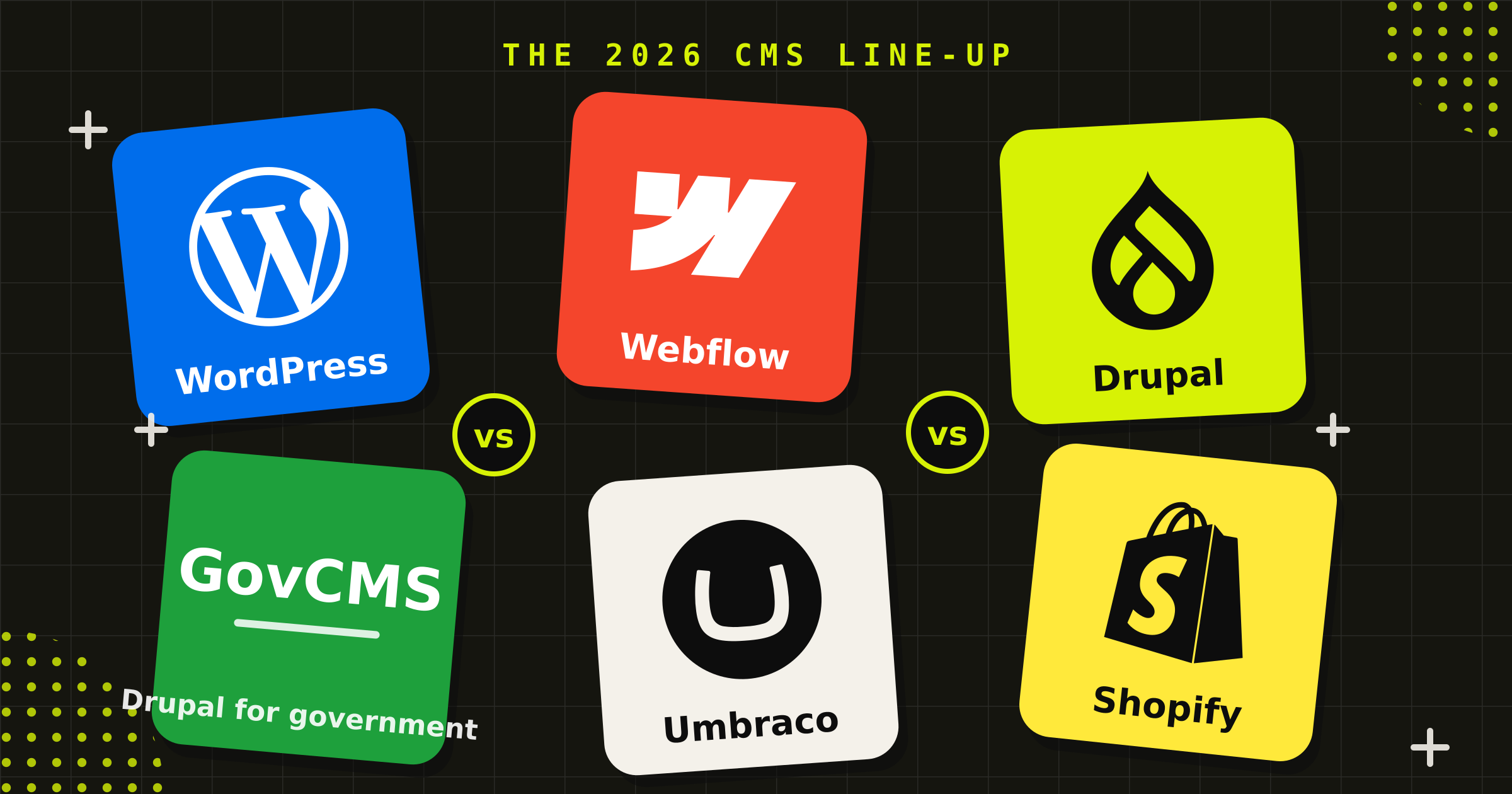
How to choose a CMS in 2026: WordPress, Webflow, Drupal, GovCMS, Umbraco and Shopify compared
Quick Answer: There is no single best CMS. There is a best CMS for your editorial workflow, integration stack and risk appetite. WordPress still powers about 42% of the web, Shopify owns retail, Drupal and GovCMS own government-grade publishing, Webflow wins marketing-site speed, and Umbraco fits Microsoft-aligned enterprises. The right platform falls out of the design work, not the sales pitch.
You’ve been asked to scope a website rebuild, and the first question everyone asks is the wrong one: which CMS should we use? The first instinct is to pick the platform someone on the team already knows, or the one the loudest agency pitched. The trouble is, a CMS decision isn’t a software purchase. It’s a ten-year commitment to a publishing model, a talent pool, an upgrade cadence and a security posture, made at the exact moment you know the least about how the site will be used.
Here’s what we’ve learned from 15+ years of building and maintaining CMS-backed websites for organisations like GO Markets, IntelliHub, the Reach Foundation and the Alannah & Madeline Foundation: the platform choice should be one of the last decisions in a website project, not the first. Once you understand who publishes, how often, through what approvals, into what integrations, the platform mostly chooses itself.
This article is the CMS comparison we walk clients through during discovery. Six platforms, real numbers, and the trade-offs nobody puts in the proposal.
Why choosing a CMS is a ten-year decision
On 5 January 2025, Drupal 7 reached end of life, fourteen years after its release, and after multiple extensions to give organisations time to move. Sites still running it stopped receiving security updates overnight. Thousands of organisations worldwide, including government agencies, found themselves doing forced migrations on someone else’s timeline.
That’s the part of CMS selection that feature checklists miss. Every platform on this list can render a page. The questions that actually matter sit further out: Who maintains this in year six? How big is the developer market when your current agency moves on? What does the upgrade path look like when the major version you launched on is deprecated? Will the vendor, or the community, still be here?
Market share is a blunt instrument, but it’s the best public proxy we have for future support, which is why a serious enterprise CMS comparison starts with the usage data, not the feature matrix. A platform with millions of active installs has a deep bench of developers, a commercial incentive structure keeping it patched, and a long tail of organisations who’ll fund its future. A platform in decline has the opposite. So before the pros and cons, the numbers.
CMS market share in 2026: what the numbers actually say
According to W3Techs’ ongoing survey (May-June 2026):
| Platform | Share of all websites | Scale signal |
|---|---|---|
| WordPress | 41.9% (59.5% of sites with a known CMS) | Largest CMS on earth; share easing from 43.2% in Dec 2025 |
| Shopify | ~5% | Second-largest CMS; roughly 5 million live stores; US$292B merchandise volume in 2024 |
| Drupal | ~1% | Small share, but heavily skewed to government and enterprise |
| Webflow | 0.8% | ~500,000 active sites; share has doubled since 2021; Australia is a top-five market |
| Umbraco | n/a in W3Techs top tier | 700,000+ active installs across 198 countries, per Umbraco’s telemetry |
| GovCMS | n/a (closed cohort) | 370+ live sites across 115 Australian government agencies (Department of Finance, 2025) |
Three things stand out. WordPress’s dominance is real but no longer growing: its share has drifted down over the past year as specialised platforms pick off use cases it used to own by default. The growth stories are the focused platforms, Shopify in commerce and Webflow in marketing sites. And raw share tells you nothing about fit. Drupal’s 1% includes a disproportionate slice of the world’s government and enterprise publishing, which is exactly why it appears in panels like GovCMS.
WordPress: still the default, for better and worse
WordPress powers more of the web than every other CMS combined. That scale buys you things no rival can match: the largest developer talent pool in the industry, a plugin economy covering almost any requirement, and near-certainty that the platform outlives your site.
Where it’s strong:
- Editors already know it, so onboarding a content team is nearly free
- Genuinely open source, with no per-seat licensing
- Custom themes produce fast, maintainable sites with none of the page-builder bloat. We build ours on Timber (Twig templating, 500,000+ installs, actively maintained) with ACF Pro for structured fields
- Headless builds via WPGraphQL when front-end performance justifies the complexity; the plugin is mature and commercially backed
Where it’s weak:
- The plugin economy is also its attack surface. Most WordPress security incidents are plugin-borne, which makes disciplined maintenance non-negotiable
- The low barrier to entry means “WordPress site” can describe anything from a $3,000 page-builder template to genuine custom engineering, and buyers struggle to tell the difference until it breaks
- The legal dispute between Automattic and WP Engine, running since September 2024, is a reminder that even a 40%-of-the-web platform carries governance risk. A federal court granted WP Engine a preliminary injunction restoring its WordPress.org access, and the litigation was still before the court in mid-2026
WordPress earns its place when there’s a real content operation behind the site and the build is custom. We recently rebuilt the Reach Foundation’s website on a custom WordPress theme, and the site you’re reading runs the same stack. For most brochure-site briefs, though, we’d suggest weighing Webflow first.
Webflow: the fastest path to a marketing site your marketers can run
Webflow is the visual-first platform of the six: design, CMS and hosting in one product. It’s used by around 0.8% of all websites, which sounds small until you notice the trajectory. That share has roughly doubled since 2021, and Australia is one of its top five markets worldwide.
Where it’s strong:
- Build speed: a brand-led marketing site ships in weeks, not months
- Marketing teams can genuinely self-serve after handover, with no ticket queue for a landing page
- Hosting, CDN, SSL and upgrades are the vendor’s problem, not yours
- Clean Figma-to-Webflow workflows keep design fidelity high
- Code export: on Workspace plans you can download your site’s complete HTML, CSS and JavaScript and host it anywhere, with CMS content exportable as CSV. The walled garden has a gate
Where it’s weak:
- Dynamic features (CMS-driven pages, forms, search, user accounts) don’t survive a static export, so a full exit still means rebuilding the moving parts
- Complex content models, member systems and deep integrations hit the platform’s ceiling faster than on the open-source platforms
- Costs scale with traffic and seats in ways self-hosted platforms don’t
Conduct sits in the Foundations tier of Webflow’s partner directory, and we’ve built Webflow sites for fintech firms including Metrics and GO Markets. The GO Markets build included a full content migration off a long-running WordPress site, which is increasingly the shape of the brief: established organisations moving their marketing site to Webflow so their team can run it day-to-day. For a marketing site with a three-to-five-year design lifespan, that trade is usually worth making.
Drupal: structured content at enterprise scale
Drupal’s headline number looks unimpressive, about 1% of all websites, until you look at which 1%. Drupal runs a disproportionate share of government, university and large-enterprise publishing worldwide, because the things it does well are the things those organisations need: strict editorial workflow, fine-grained permissions, structured multilingual content, and multi-site programs run off one codebase.
The platform also just had its biggest modernisation in years. Drupal CMS 2.0 shipped in January 2026 with a visual page builder and site templates, directly answering the criticism that Drupal is capable but hostile to editors, which is what pushed mid-market buyers to Webflow and WordPress in the first place.
Where it’s strong:
- Role-based editorial workflow that satisfies real governance requirements, not just preferences
- Content modelling depth: thousands of structured items, multiple languages, multiple sites
- A security team and disclosure process trusted by governments worldwide
Where it’s weak:
- Developer-heavy: the talent pool is smaller and more expensive than WordPress’s
- Major-version migrations have historically been genuine projects, not updates. Drupal 7’s end of life stranded thousands of sites, and that memory is earned
- Overkill for a 30-page marketing site, in cost and in ongoing maintenance
The perennial WordPress vs Drupal question usually settles itself on workflow: if your governance requirements are preferences, WordPress is cheaper; if they’re obligations, Drupal earns its overhead. We reach for Drupal when content scale and editorial governance are the brief, and we’ll say so when they’re not.
GovCMS: the Australian Government’s Drupal, with the hard parts handled
GovCMS is the Department of Finance’s Drupal distribution and hosting service, built for Australian government websites. A decade in, it hosts more than 370 live websites for 115 agencies across federal, state and local government.
The under-appreciated advantage is the hosting model choice. GovCMS offers two:
- SaaS hosting: the fully managed option. The platform handles security accreditation, Drupal updates, web application firewall, CDN and DDoS protection. Agencies build by configuration rather than custom code, and the platform’s IRAP security assessment covers them entirely, so there’s no separate assessment to fund or manage
- PaaS hosting: for agencies that need custom modules, custom code and deeper integrations. GovCMS maintains the underlying infrastructure (covered by its IRAP assessment) while the agency owns application maintenance, security patching and the application-layer assessment
For a government digital team, that’s a meaningful chunk of project risk either removed outright (SaaS) or cleanly partitioned (PaaS), and procurement is equally clean: suppliers come off the GovCMS panel, pre-vetted.
Where it’s weak:
- Government only; it’s not an option for anyone else
- SaaS constrains module choice and custom code, so some briefs genuinely need PaaS or open Drupal
- You inherit Drupal’s editor learning curve
Conduct is on the GovCMS Drupal Services Panel, currently delivering for the National Reconstruction Fund Corporation. Our earlier AusTrade engagement covered the information architecture and web strategy that the site’s GovCMS build was then delivered against. If you’re a government team weighing the options, our government sector page covers how we approach it.
Umbraco: the quiet achiever of the Microsoft stack
Umbraco is the open-source CMS built on Microsoft .NET, and the platform most Australian buyers haven’t heard of despite 700,000+ active installs across 198 countries, per Umbraco HQ’s telemetry. It exists for a specific organisation: one already invested in the Microsoft stack, running on Azure, with .NET developers in-house or on call.
Where it’s strong:
- First-class fit with Azure, Active Directory and the rest of a Microsoft enterprise environment
- A genuinely pleasant editing experience; editors tend to like Umbraco more than Drupal
- Open source with a commercial company behind it, on a published long-term-support release schedule, so upgrade planning is predictable in a way Drupal 7 veterans will appreciate
Where it’s weak:
- The Australian community and talent pool are small next to WordPress or Drupal
- You’re committing to .NET developers for the life of the site
- The package marketplace is thinner; expect to build more, buy less
If your IT standard is Microsoft and your infrastructure is Azure, Umbraco often beats forcing a PHP platform into an environment that doesn’t want it. That alignment question, not the CMS feature list, is usually what decides it.
Shopify: where modern retail websites live
Shopify is the only platform here that’s a commerce engine first and a CMS second. By W3Techs’ count it’s the second-largest CMS on the web at roughly 5% of all websites, with about 5 million live stores and US$292 billion in merchandise volume in 2024. It’s a NYSE-listed company whose entire business is keeping those stores running. For future support, that’s about as safe as bets get.
Where it’s strong:
- Payments, tax, inventory, fraud and PCI compliance handled out of the box
- Scales from a market stall to enterprise (Shopify Plus) on the same platform
- Headless setups let Shopify run the commerce engine while a Webflow or custom front-end carries the brand experience
Where it’s weak:
- Transaction fees and app subscriptions compound, so total cost of ownership deserves a spreadsheet, not a glance
- Content publishing is serviceable, not strong; content-heavy brands usually pair it with another platform
- Like any proprietary platform, leaving means replatforming
Shopify is the newest lane in our platform mix. If retail or ecommerce is the brief, the platform conversation starts here.
How to choose a CMS: the eight questions we ask on every project
The platform decision falls out of design, not the other way around. When we compare CMS platforms for a client, this is the working list we take into discovery:
- Who publishes, how often, with what approvals? One marketer posting weekly is a Webflow workflow. Forty authors across five departments with legal sign-off is Drupal.
- How much content, how structured? Hundreds of interrelated, multilingual, reusable content items push you toward Drupal or Umbraco. Dozens of marketing pages don’t.
- What has to integrate? CRM, identity provider, payment gateway, membership database. List them before shortlisting platforms, because integrations kill more CMS projects than design ever does.
- What are your compliance obligations? WCAG accessibility applies to everyone. Government security frameworks and data-residency requirements narrow the field fast, sometimes to a field of one.
- Are you selling anything? If commerce is core, start at Shopify and argue your way out, not in.
- What’s your internal stack and team? A Microsoft shop with .NET developers should weight Umbraco. A team that’s run WordPress for a decade has capability worth keeping.
- What’s the total cost over five years? Licence fees, hosting, maintenance, upgrades and the inevitable mid-life redesign, not just the build quote.
- Will this platform still be supported in ten years? Check the market-share trajectory, the upgrade cadence and who funds the roadmap. Drupal 7’s end of life is what unfunded optimism looks like at scale.
Answer those eight and the shortlist usually writes itself. That’s also why we don’t sell a platform: Conduct works across all six, and the design process is what surfaces the right one. If you’re budgeting for the build itself, our software development cost guide covers what custom work actually costs in Australia.
Fifteen years of building on these platforms has left us with exactly one strong opinion about CMS selection: the best CMS isn’t the one with the biggest market share. It’s the one whose constraints you chose on purpose.
FAQ
What is the most popular CMS in 2026?
WordPress remains the most-used CMS by a wide margin: 41.9% of all websites and 59.5% of sites with a known CMS, according to W3Techs (May 2026). Shopify is second at roughly 5% of all websites. WordPress’s share has eased slightly over the past year as specialised platforms like Shopify and Webflow grow in their niches.
Is WordPress dying?
No. Its market share has drifted from 43.2% (December 2025) to 41.9% (May 2026), but it still powers more sites than every other CMS combined, with the largest developer community in the industry. The realistic reading: WordPress is no longer the automatic default for every project, while remaining a safe long-term platform for content-led sites.
Should I use Webflow or WordPress for my business website?
For a marketing-led site that a small team updates, with no complex integrations, Webflow usually ships faster and is easier for marketers to run. For sites with large content operations or custom functionality, custom WordPress is the stronger platform. The deciding factors are editorial workflow and integrations, not features.
What CMS does the Australian Government use?
Many Australian government websites run on GovCMS, the Department of Finance’s Drupal-based platform, which hosts more than 370 sites for 115 agencies across federal, state and local government. It offers fully managed SaaS hosting (security accreditation included) and PaaS hosting for custom builds. Agencies procure development through the GovCMS Drupal Services Panel.
Which CMS is best for ecommerce in Australia?
Shopify is the default for most Australian retail builds. It’s the second-largest CMS globally, handles payments, tax and PCI compliance natively, and scales to enterprise via Shopify Plus. Content-heavy retail brands often pair it with another platform, or run headless with Shopify as the commerce engine behind a custom front-end.
Should I use WooCommerce or Shopify?
WooCommerce makes sense when you already run WordPress, your store is content-led, and you have developers to own hosting, security and updates. Shopify makes sense when commerce is the core of the business: you trade some flexibility and pay transaction fees, but payments, PCI compliance, fraud and uptime become the vendor’s job instead of yours. Most retail-first briefs we see land on Shopify.
What about headless CMS platforms like Contentful or Sanity?
A headless CMS separates content from the front-end, serving it by API to websites and apps. In any headless CMS comparison it’s worth noting the six platforms here all offer headless modes, WordPress via WPGraphQL and Shopify via its Storefront API among them. A dedicated headless platform suits multi-channel enterprises with in-house development capacity; for a single website, it usually adds cost without adding much.
Why isn’t Craft CMS or Joomla in this comparison?
This article compares the six platforms Conduct designs, builds and maintains sites on, because that’s where our experience is first-hand. Craft CMS is a well-regarded agency platform and Joomla still runs a long tail of older sites, but we’d rather compare tools we work with daily than review platforms we don’t offer. If a brief genuinely fits one of them better, we say so in discovery.
What happens when a CMS reaches end of life?
Security updates stop. The site keeps running, but every newly discovered vulnerability stays unpatched, an increasing risk for anything public-facing. Drupal 7’s end of life in January 2025 forced thousands of organisations into unplanned migrations. The defence is choosing platforms with credible long-term roadmaps and budgeting for major upgrades as part of ownership, not as emergencies.
How much does a CMS website cost in Australia?
A focused Webflow or Shopify marketing site from a Melbourne agency typically lands between AUD $30,000 and $80,000. Custom WordPress, Drupal, GovCMS or Umbraco enterprise builds run from $60,000 to over $200,000 depending on integrations and content scale. Most of the variation is design depth (research, architecture, content and testing), not the build itself.


Choosing between these platforms is design work, and it’s work we do every week. Conduct has spent 15+ years building CMS-backed websites for organisations like GO Markets, IntelliHub, the Reach Foundation and the Alannah & Madeline Foundation, and because we work across all six platforms, our recommendation is the one the design points to, not the one we’re set up to sell. Talk to us about your website project.
Charlie Pohl
More from the Journal