Software support and maintenance
We support and maintain custom software, from customer portals and cloud platforms on Azure and AWS to mobile apps and device fleets, under a service level agreement with a senior engineering team.
Trusted by established organisations across Australia
Government, health, energy, education, finance and enterprise.







Software support and maintenance from engineers who build platforms
Our software support and maintenance is run by engineers who have shipped customer portals, Salesforce integrations and device software through our custom software service, and who look after cloud platforms on Azure and AWS. Conduct has designed, built and supported software since 2008 with an in-house Australian team.
You get a named point of contact who knows your architecture, your integrations and your release history. When an incident needs a specialist, they bring in the right engineer from the same team.
Your platform’s documentation is kept in Waypoint, and the code and accounts stay in your organisation’s name.
Platforms, apps and device fleets we support
Application support and maintenance covers more than a codebase. We look after the code, the cloud it runs on, the pipelines that release it and the apps or devices that depend on it.
- Custom web applications and portalsCustomer portals, registers and internal tools, with their integrations
- Cloud platforms and APIsBuilt on .NET, Node.js and other modern frameworks, running in Azure or AWS
- Salesforce Experience CloudPortals and Lightning Web Runtime sites built on Salesforce
- Mobile appsNative iOS apps in Swift and Android apps in Kotlin, or cross-platform apps in React Native, with App Store and Google Play releases
- Edge and IoT device fleetsLinux devices across many sites, with remote updates and monitoring
- Cloud infrastructure and pipelinesInfrastructure as code in Terraform or Bicep, GitHub Actions or Azure DevOps pipelines, and monitoring on Azure and AWS
Need support for a content-managed website instead? Our website support and maintenance service covers that.
Support for Azure and AWS environments, from accounts to pipelines
When you hand an Azure or AWS estate to us, we look after all of it, from the subscription or account and who can sign in to it, to the applications, data stores, pipelines and alerts. For each new workload we weigh the compute options, such as Azure Functions or App Service on Azure and Lambda, Amazon ECS on Fargate or EC2 on AWS, against its traffic and the team that will run it.
On Azure we look after subscriptions and Entra ID, applications on App Service and Azure Functions, Azure SQL databases, Azure Monitor alerts, infrastructure in Bicep or Terraform and pipelines in Azure DevOps or GitHub Actions. On AWS we run and tune a serverless platform built on AppSync, Lambda, DynamoDB, EventBridge, Step Functions and Cognito, along with the pipelines, backups and alarms around it.
- Architecture and security reviewEach subscription or account checked against the Azure or AWS Well-Architected Security Pillar, the CIS Foundations Benchmark for that cloud and the Australian Government ISM, with a ranked fix list
- Subscriptions, accounts and identityProduction in its own Azure subscription or AWS account, sign-in with MFA through Entra ID or AWS IAM, and long-lived keys retired
- GitHub Actions and Azure DevOps pipelinesShort-lived OIDC credentials and one deploy identity per environment, narrowed to what CloudTrail or the Azure activity log shows it uses
- Infrastructure in Terraform or BicepLive resources brought into code, with Terraform state per environment and locking, and destroy protection on business data
- Data and backupsPoint-in-time restore for Azure SQL and DynamoDB, Azure Backup and AWS Backup vaults locked against deletion, and a backup before every release
- Monitoring and alertingAzure Monitor and Application Insights alerts, or CloudWatch alarms through SNS, with health checks and latency compared before and after each release
- Security and incident responseEntra ID sign-in logs and CloudTrail used to trace and contain unexpected access, with secrets kept out of logs and repositories
- Costed changesEach change costed before it is built, and compute such as Lambda memory or an App Service plan sized from a month of monitoring data
When support for an Azure subscription or AWS account moves to us, the first job is proving a restore. We confirm the backups have finished, export what the backup service does not cover, such as a Cognito user directory on AWS, and run a restore before we change anything. Then we compare what is deployed with what is in git, and what is running in the cloud with what is in Terraform or Bicep. A resource that was applied from code nobody committed can be removed by the next routine Terraform apply, along with its data, so it comes into the committed code with destroy protection first.
Releases run through GitHub Actions or Azure DevOps, with the Terraform plan or Bicep what-if read before every change, a rollback rehearsed on staging, and the deployed commit read back from Azure or AWS afterwards. Our DevOps consulting for AWS and Azure covers pipelines, release strategies and infrastructure as code in more depth.
Support for edge and IoT device fleets
Some of the platforms we look after reach past the cloud to Linux devices installed across many sites. We support edge and IoT platforms like these for several organisations, from the software on each device to the cloud platform the fleet reports to.
- Staged software updatesOperating system and application updates proven on test devices first, then rolled out to the fleet in stages
- Security patchingA monthly patch cycle across the fleet, with a faster path for actively exploited vulnerabilities
- Fleet health and alertsEach device monitored, with an alert to the right person when one stops reporting or faults
- Secure remote accessAuthorised, logged sessions, so most faults are diagnosed and fixed without a site visit
- Telemetry into the cloudDevice data and logs shipped to the cloud without holding up the device, so incidents can be read remotely
- The platform behind the fleetThe cloud APIs, data stores and dashboards the devices report to, under the same agreement
The platforms we support include a connected-door IoT platform with device telemetry, a cloud data lake, fleet health and remote lock. Our IoT integration services page covers device software and fleet management in more depth.
Severity levels for platforms, apps and devices
Incidents on a platform rarely affect everything at once, so we triage each one by severity. The level decides who is called in, how quickly we respond and when your team hears from us, and your service level agreement fixes the targets for each.
| Severity | What it means | Platform example |
|---|---|---|
| P1 Critical | The platform is down, or a core function is unusable for everyone | Customers cannot log in to the portal, or devices at every site stop reporting |
| P2 High | A key feature is broken or degraded with no workaround | The nightly sync to the CRM fails and new records stop arriving |
| P3 Medium | A fault with a workaround, or one affecting a small group of users | The app crashes on one older Android version |
| P4 Low | Questions, configuration and minor change requests | Adding a new user role to the admin console |
After a major incident, your agreement can include a post-incident review covering the timeline, the root cause and the change that stops it recurring. If you have no agreement with us yet and a platform is down or breached, start at our emergency help page.
Support tickets, time and reports in Waypoint
Waypoint is the delivery platform we built to run our client projects, and every support agreement is managed in it.
- Tickets with a severityEach request and incident is logged, prioritised and tracked to resolution
- Time against the agreementHours are logged against your agreement on each ticket
- Monthly support reportsWhat was fixed, what changed and the hours used
- Documentation in one placeYour system’s documentation, kept alongside its tickets

IT disaster recovery and restore testing
Backups only count once a restore has worked. For each platform we agree a recovery time objective (how long the system can be down) and a recovery point objective (how much data it can afford to lose), then design the backups to meet them. That can include point-in-time recovery for production databases, copies held in a separate account or region, and infrastructure defined as code so an environment can be rebuilt.
Your agreement can include scheduled restore tests and runbooks for the failures that matter most, such as a lost database, an expired certificate, a failed release or a compromised account. IT disaster recovery sits inside the service level, with the recovery targets written into the agreement.
Legacy system modernisation and planned upgrades
Frameworks reach end of life, dependencies stop receiving security fixes, and a system that was current at launch needs planned software maintenance to stay supportable. Runtimes such as .NET follow a published support calendar, and once a version leaves support its applications stop receiving security patches. AWS publishes deprecation dates for its Lambda runtimes in the same way. We track those dates for the platforms we look after and plan each upgrade well before the deadline. Our guide to .NET 8 end of life walks through one of these upgrades.
We run legacy system modernisation as a sequence of releases, upgrading the runtime, replacing ageing dependencies and moving one module at a time, so the platform keeps running throughout. Application modernisation like this can sit inside a support agreement or run as a defined project for a system someone else built. Our article on application modernisation without a big-bang rewrite sets out the approach.
When a penetration test has found issues in a legacy product, or a customer, tender or regulator asks for a security standard, we pair the upgrade with a secure by design uplift that fixes the findings, and roll both out together.
Signs your software support needs a refresh
Support that suited a platform at launch can fall behind as the product grows. Often the team has done good work for years and the tools have moved on, with automated testing, infrastructure as code and modern monitoring changing what a support team can deliver. Whether that team is internal or external, the need for a refresh shows up as a pattern your people start to plan around.
- Slow or unclear communicationRequests wait without a clear date for a fix
- No agreed response timesUrgent issues wait, with no target to measure against
- Bugs that arrive with every releaseChanges reach production without automated tests, and new faults follow
- No confidence in what breaks nextNobody wants to touch the system before a busy period
- No regular reportingNothing shows what was changed, fixed or found each month, and problems surface after users notice them
Each of these has a fix. We agree response and resolution targets for each severity level, and a monthly report in Waypoint shows what was changed, fixed and found, measured against those targets. We set up a staging environment and automated tests so releases are checked before they reach production, and every change goes into a release log you can read. You also get a named point of contact who knows the system. If the pattern sounds familiar, the steps below move support to our team without a gap in cover.
Moving support for your platform to our team
Whether another agency, a contractor or your own developers support the platform today, moving it to our team runs in four steps.
- ReviewWe assess the codebase, infrastructure, integrations, dependencies and documentation, so we know what we are taking responsibility for.
- Secure access and ownershipCode repositories, cloud accounts, domains, certificates and credentials often stay with whoever first set them up, and an organisation can find it does not fully control its own platform. We confirm who holds each one and move them into accounts your organisation owns, with access for our team.
- StabiliseWe close urgent security gaps, put monitoring and backups in place, and write down how the system builds, deploys and recovers. Where they are not already in place, we set up version control and a DevOps release pipeline, so every change is tracked and can be rolled back.
- Go live under an SLAWe agree the service levels, work alongside the current team where that helps, then start support.
The review also tells you where the platform stands. If it needs upgrade or security changes before it can be supported safely, you know before you commit to a service level.
Platforms we support today
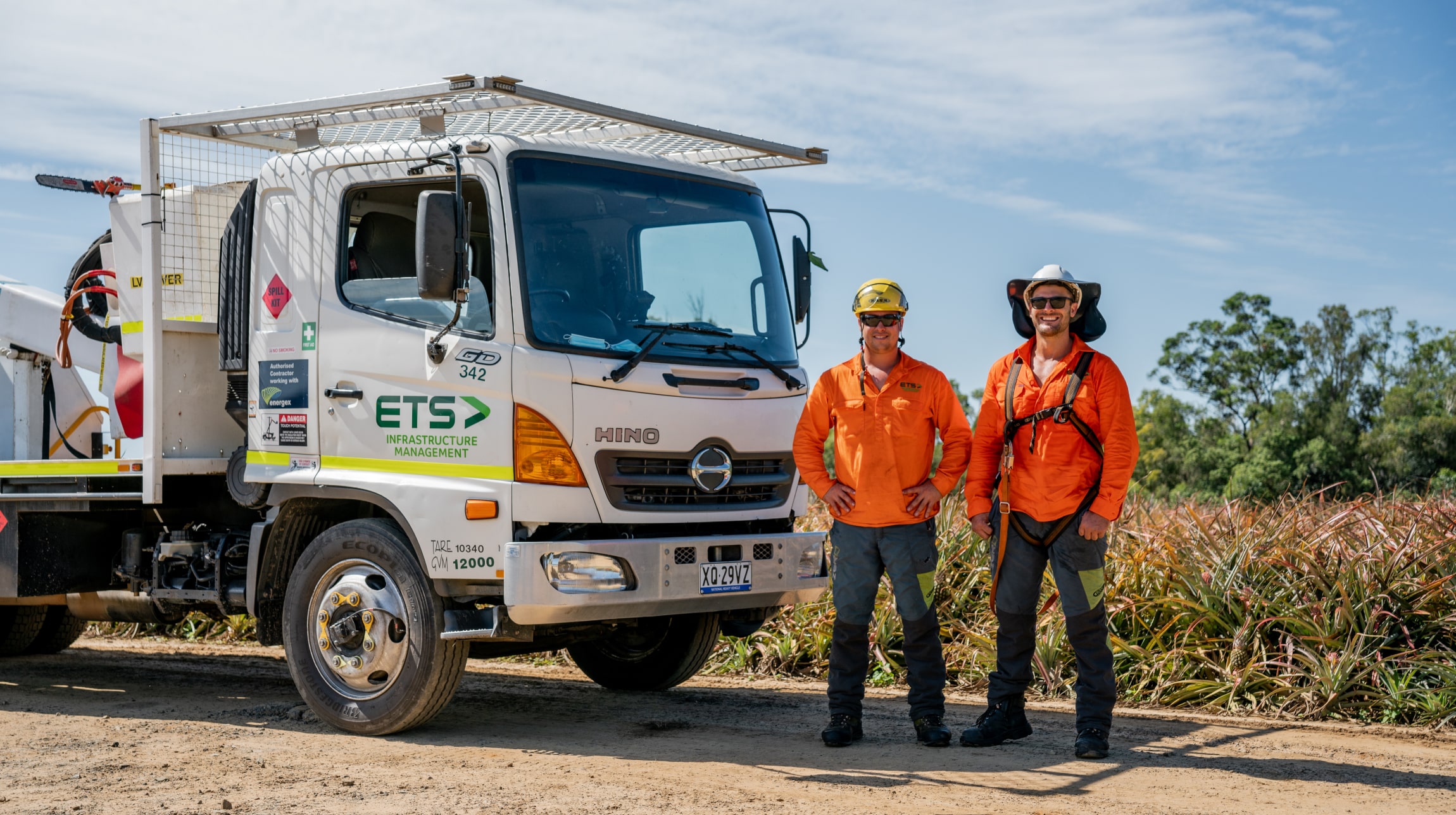
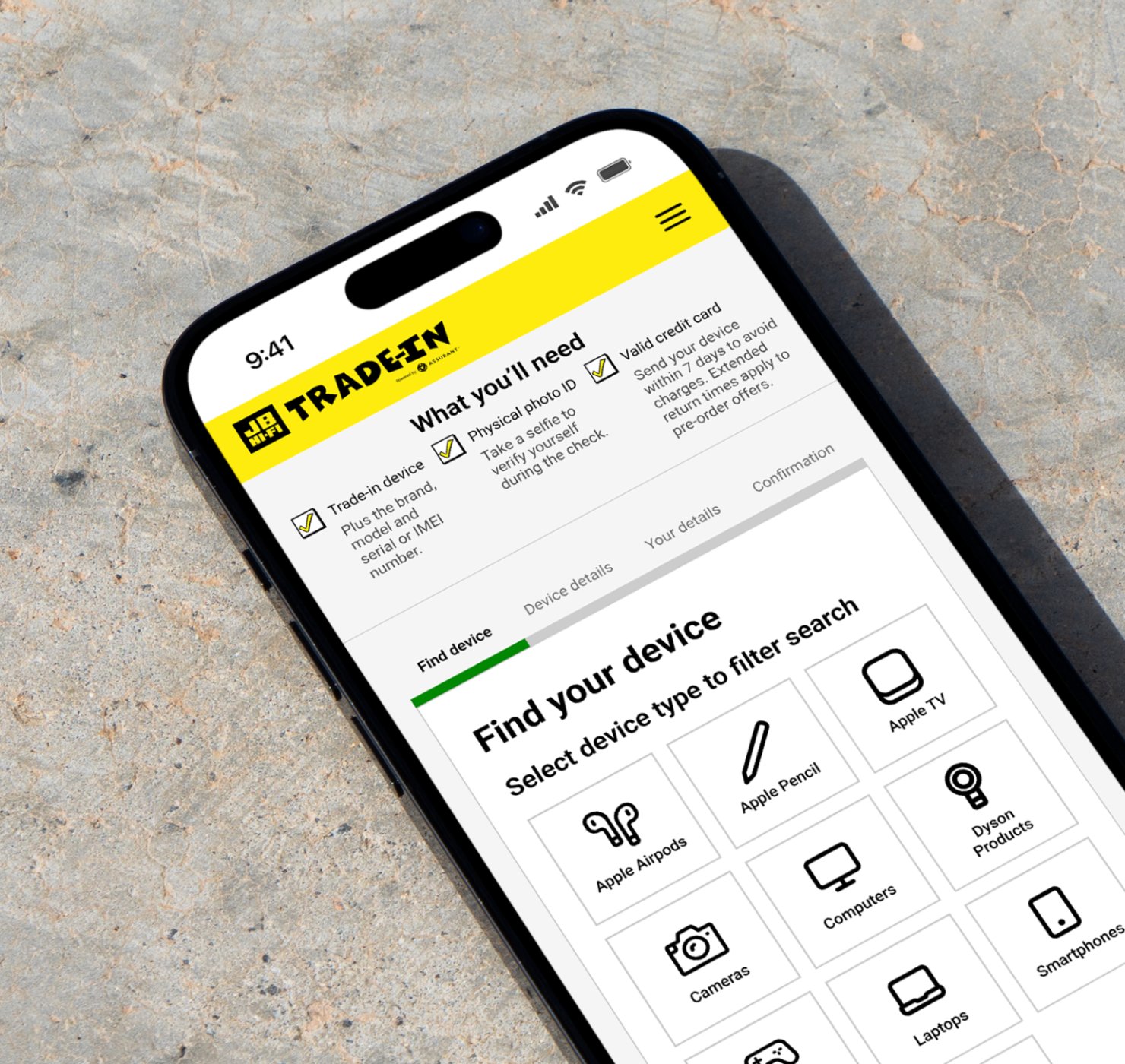
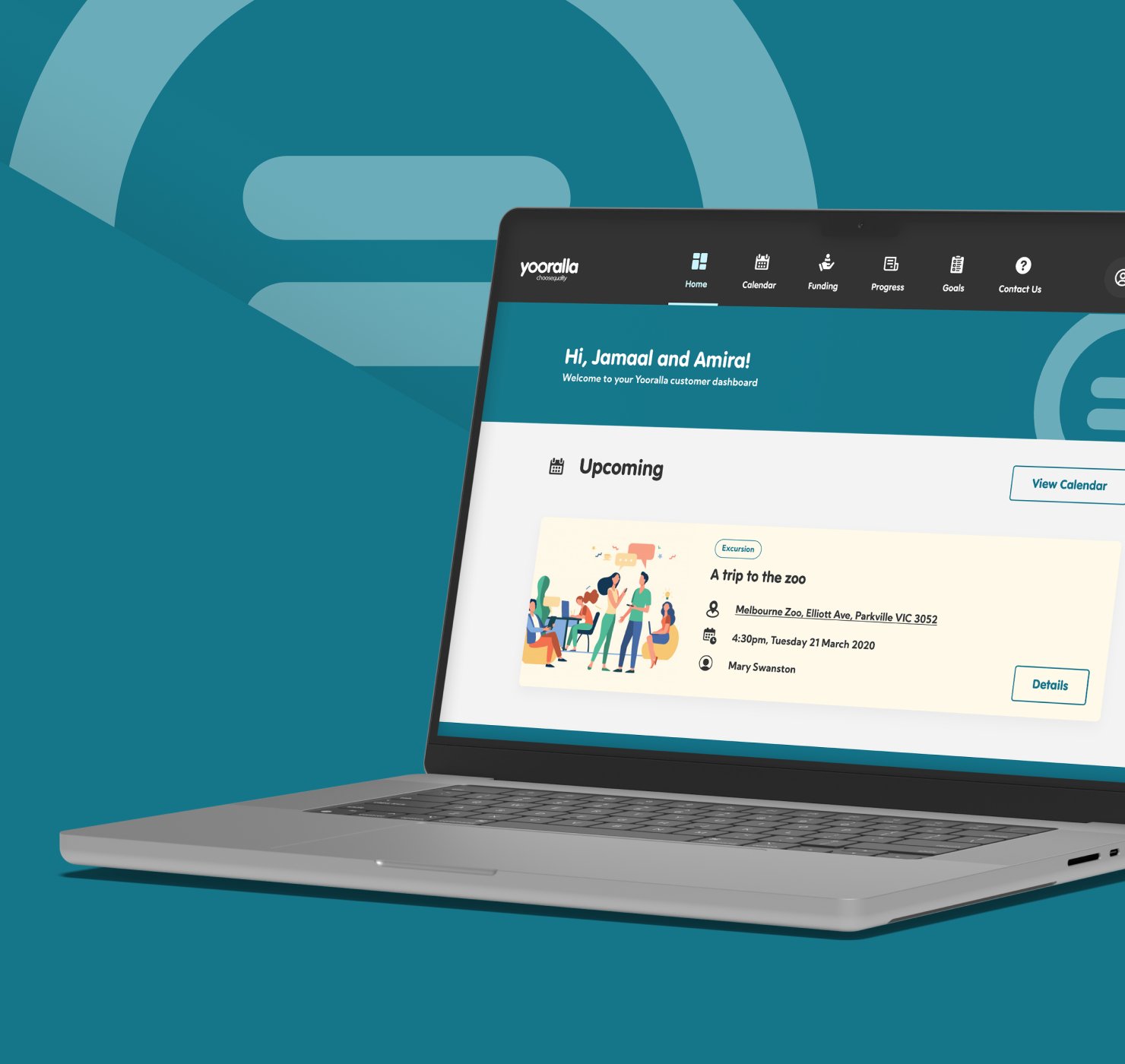
We run SLA and BAU support for more than ten organisations today, across government, waste, automotive, research and community services. These platforms are among them, each linked to its case study.
Software support with Conduct starts with a review of your platform’s code and infrastructure.
Talk to a senior engineerCommon questions about software support and SLAs
What does software support and maintenance include?+−
Software support and maintenance covers what a live platform needs between major releases. That includes security patching and dependency updates, monitoring and alerting, incident response by severity, BAU development, release management, backups and disaster recovery, and reporting against a service level agreement. For platforms with apps or devices, it also covers app store releases and remote updates to device fleets.
Can you look after maintenance and support of our existing app?+−
Yes. We support existing apps, platforms and device software built by other agencies, contractors and in-house teams. Moving support to us runs in four steps (review, secure access and ownership, stabilise, then go live under an SLA), and we can work alongside the current team during the move. The review also shows what upgrades the platform needs first.
How long does a software handover take?+−
It depends on the size of the system and how much documentation exists. A single application with one environment moves faster than a platform with several integrations, a mobile app and devices in the field. We set dates in the plan during the review, and the current team stays involved until access, documentation and on-call cover have all moved across.
Can you review our application before we commit to ongoing support?+−
Yes. Support starts with a review of the codebase, infrastructure, integrations and documentation. It covers security, sign-in and permissions, how each customer’s data is kept apart, performance, deployment, monitoring, backups and maintainability. It lists what needs fixing before launch or before support starts, so you know where the platform stands before you commit to a service level.
Who owns the code, hosting and data?+−
You do. Code repositories, AWS accounts, Azure subscriptions, pipelines, domains, certificates and data sit in accounts your organisation owns, and our engineers work through the access you grant. If you move support elsewhere, the system and its documentation go with you, and we run the same four-step handover in reverse.
What should a software SLA include?+−
A software SLA, or service level agreement, should state the response and resolution targets for each severity level, the hours of cover, what is monitored, how releases are tested and approved, how backups and recovery are handled, who your named point of contact is and how performance is reported. It should also say what the retainer includes and what is quoted separately.
What is the difference between response time and resolution time?+−
Response time is how quickly we acknowledge an issue and start working on it. Resolution time is how quickly we restore service or deliver a fix. Both are set by severity in your SLA, so a P1 outage carries much tighter targets than a P4 change request. A good agreement states both, along with the hours of cover they apply to.
How much does application support and maintenance cost?+−
Support agreements are priced to the size and criticality of the system. A single internal application needs less senior time each month than a customer-facing platform with integrations, a mobile app and strict recovery targets. We size the agreement after the review, based on your risk, release cadence and hours of cover, and we will tell you when a lighter arrangement is all a platform needs.
What does IT disaster recovery cover for a custom platform?+−
IT disaster recovery for a custom platform sets how long the system can be down and how much data it can lose, then puts the means in place to meet those targets. That can include point-in-time recovery for databases, backups held separately from production, infrastructure that can be rebuilt from code, runbooks for likely failures and scheduled restore tests.
Can you upgrade an application off an unsupported .NET version or Lambda runtime?+−
Yes. Microsoft publishes an end-of-support date for every .NET release, and after it an application stops receiving security patches. AWS publishes deprecation dates for its Lambda runtimes in the same way. We plan and run the upgrade to a supported version, update dependencies and test the platform, either inside a support agreement or as a defined project for a system someone else built.
More platforms we have designed and built

Other technology services All services
- Web & mobile app development
- Systems design & architecture
- Systems integration
- Secure software development
- IoT & edge platforms
- DevOps & hosting
- Customer portal development
- Customer loyalty solutions
- Salesforce app development
- Software Development
- Web application development
- Software & platform support
- Website support & maintenance
Idea, opportunity or problem to solve?
Contact usOffice hours
Monday – Friday8:30am – 5:30pm AEST Closed weekends and
Australian public holidays